Ship faster and keep buyer messages under control
Turn order emails, labels, tracking numbers, returns, and buyer questions into one fulfillment and support queue.

Build a shipping station before volume forces you to

A shipping station is an operations tool, not a decoration. Put the supplies for your category in one place: boxes, mailers, tape, labels, scale, measuring tape, printer, cleaning cloths, sleeves, bubble wrap, void fill, thank-you inserts if you use them, and a place to stage packed orders.
The goal is to remove decisions from the packing moment. If every order makes you hunt for a box, weigh twice, rewrite addresses, or wonder whether the item needs extra protection, shipping will become the bottleneck. Good prep lets you ship faster and reduces the buyer messages caused by late handling.
Set the station up around your most common orders, then keep a small exception zone for oversized, fragile, or high-value items. You do not need warehouse complexity on day one. You need a repeatable path from order received to item picked to package sealed to tracking attached, with as few opportunities for mix-ups as possible. This setup also makes it easier to train another person later because the process is visible, not locked in your memory. It also reduces support work because fewer packages leave late, mislabeled, or underprotected. Fewer avoidable issues means cleaner reviews.
- Keep package sizes matched to the categories you sell most.
- Use a scale and dimensions instead of estimating postage.
- Separate fragile, high-value, and oversized packing supplies.
- Stage picked items away from unsold inventory.
Write shipping rules before the item is listed
Shipping mistakes often start at listing time. Decide whether the buyer pays shipping, whether you offer free shipping, which services are available, whether local pickup is allowed, and how handling time changes for weekends or high-value items. Make the rule clear before the buyer pays.
Different categories need different defaults. Cards may need rigid mailers or graded-slab protection. Shoes need box protection and dimensional weight awareness. Electronics need padding, serial number photos, and sometimes battery or carrier restrictions. Large local items may need pickup windows instead of shipping promises.
- Choose shipping service based on item risk, not only lowest price.
- Record package weight and dimensions on repeat SKUs.
- Add signature or insurance rules for high-value items where appropriate.
- Make local pickup expectations clear before accepting payment.
Use email as a fallback order signal

Marketplace APIs are not always available on day one, and some providers limit scopes, review apps, or change access requirements. Email is often the earliest reliable signal for order confirmations, cancellations, shipment notices, returns, buyer questions, and payment updates.
Connected email should not mean agents freely reading everything forever. The useful implementation is scoped parsing: identify order-related senders, extract structured fields, attach events to SKUs and orders, and show unmatched messages for review. The seller should be able to disconnect, export, or delete account data.
- Parse sender, subject, order id, item title, buyer handle, amount, and timestamps.
- Send unmatched emails to an exception queue.
- Avoid treating email as truth when provider API data is available and newer.
- Keep privacy, export, deletion, and integration controls visible.
Pick, pack, and verify against the order record
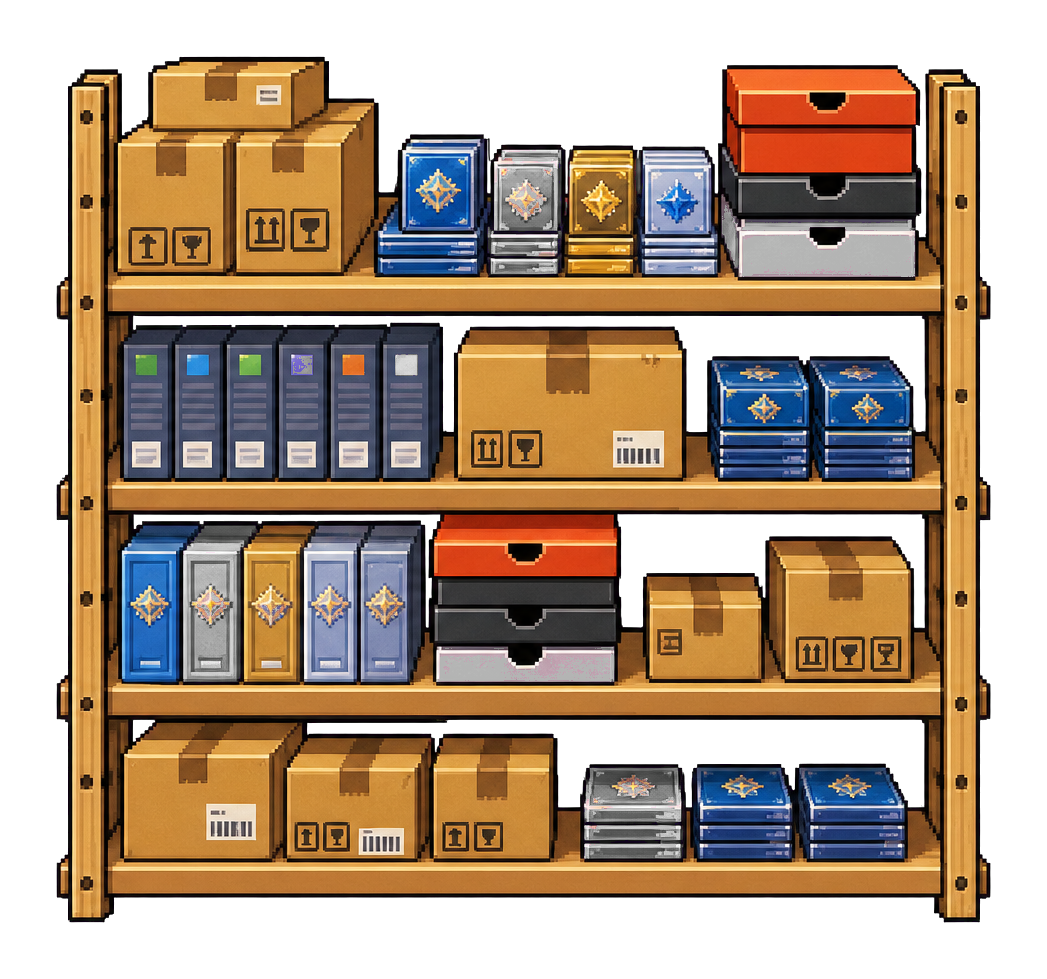
The pick step is where SKU discipline pays off. The order should tell you the SKU, storage location, item photo, condition, buyer address, shipping service, and special notes. Verify the item before packing, especially for similar variants, sizes, colors, and serial-numbered electronics.
Packing should create evidence. For high-value or high-risk categories, store packed-item photos, serial number photos, package weight, and label details. This protects you when a buyer says the wrong item arrived or a carrier claim requires documentation.
- Match SKU, title, variant, and condition before buying the label.
- Photograph serial numbers or unique identifiers for high-risk items.
- Keep packed orders separate from items still waiting for labels.
- Mark the item shipped only after label and tracking are attached.
Attach tracking and watch exceptions

Tracking belongs on the order record, not buried in an email. Store carrier, service, tracking number, purchased date, shipped date, first scan, delivery estimate, delivery confirmation, and exception status. Once production carrier credentials are configured, scan updates can become dashboard alerts.
The most important events are not the normal ones. Watch for no first scan, delivery exception, returned to sender, address problem, delayed high-value order, and delivered but buyer says not received. These should become support tasks before the buyer has to chase you.
- Add tracking before marking buyer communication complete.
- Create alerts for missing first scan and delivery exceptions.
- Keep carrier claim evidence attached to the order.
- Use tracking state to prioritize buyer messages.
Treat returns as an inventory workflow

A return is not just a support event. It affects cash, inventory, condition, marketplace metrics, and the future listing. When a return is requested, store reason, buyer message, platform case id, refund amount, label status, item received date, inspection result, and whether the item can be resold.
Do not automatically put returned inventory back into available status. Inspect the item, compare it to outgoing proof, update condition, replace photos if needed, recalculate cost basis after fees and shipping, and decide whether to relist, discount, repair, bundle, or liquidate.
- Separate return requested, return in transit, received, inspected, refunded, and relisted.
- Use outgoing photos to compare condition.
- Record non-resellable returns as damaged or loss events.
- Adjust margin after refund, return label, and unrecovered fees.
Draft buyer replies with context, then approve

Fast buyer support does not require long messages. It requires accurate context. A reply should know the item, order state, tracking status, shipping policy, return state, and what the buyer asked. Agents can draft concise answers that avoid overpromising and point to the next action.
External sends should remain approval-gated. The seller is responsible for the message, especially when refunds, condition disputes, platform cases, or policy-sensitive statements are involved. resell can keep the queue organized and draft the response, but the approval step protects the business.
- Keep replies factual, short, and tied to order evidence.
- Use templates for common questions, but add item context.
- Escalate refund, return, and policy issues for manual review.
- Archive only after the buyer issue is actually resolved.
Close the loop with fulfillment metrics

Fulfillment metrics tell you where the operation is leaking trust. Track time to label, time to first scan, time to delivery, late shipments, cancellations, return rate, buyer response time, unresolved messages, refund amount, and reasons for support contact.
Use the data to change the workflow. If first scans are slow, change drop-off location or pickup timing. If buyers keep asking for measurements, add them to listings. If returns cluster around a condition term, rewrite the grading standard. The best support system reduces future support volume.
- Review late shipment and return reasons weekly.
- Turn repeated buyer questions into listing fields.
- Use unresolved messages as a daily dashboard queue.
- Feed fulfillment issues back into sourcing and listing rules.